



A C# engine on SDL3, Vulkan, ImGui and Slang. Raylib's design over a Bevy-style ECS and scheduler, scripted with its own Unity-style behaviors. Implementing Radiance Cascades. [e3d.cs]





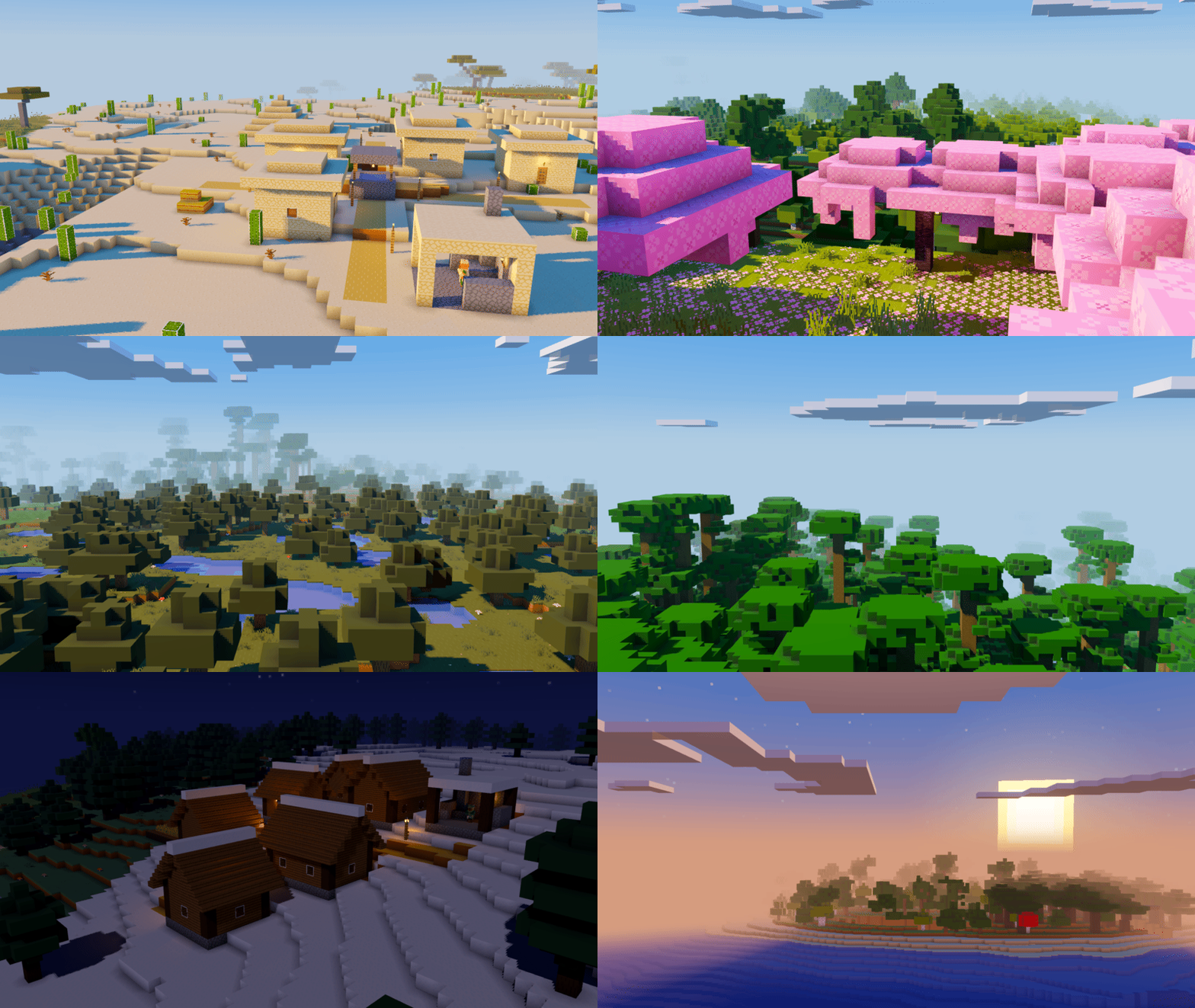
Voxel Sandbox - A voxel game written in C# on 3DEngine. Implementing Radiance Cascades. [e3d.cs]
Bevy C# [Behavior] on a struct are component & systems, generated at compile or runtime and wired straight into Bevy's ECS. Implementing Radiance Cascades. [bcs]


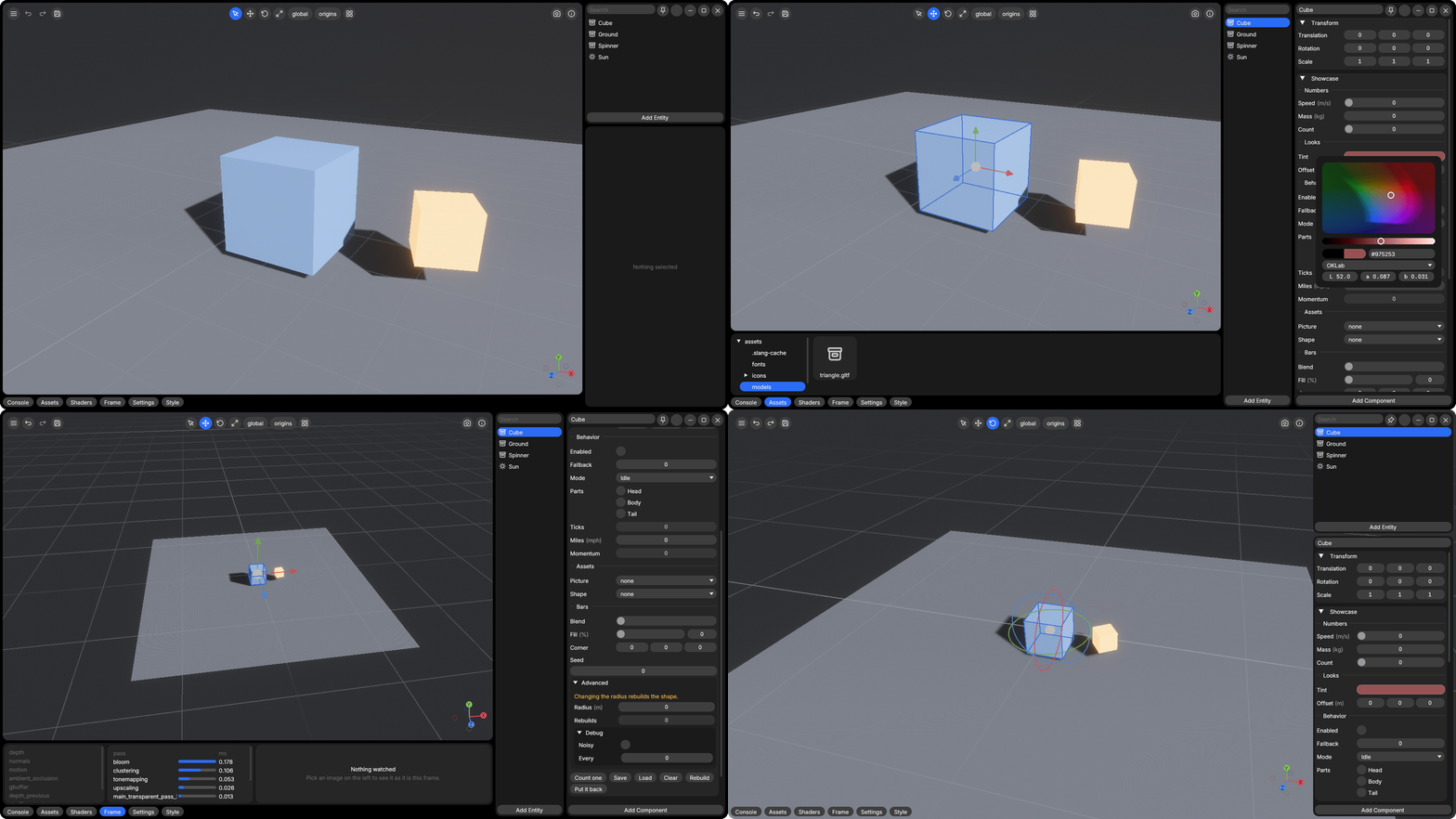
Libraries the engines take as git submodules, so one solution serves both.
- 3DEngine.RadianceCascades - Radiance cascades over a distance field, the CPU side and the Slang kernels an engine binds
- 3DEngine.Sky - A physically based sky for any engine, a spectral atmosphere with the sun, the moon and the night in physical units, the sky's clock and the weather
- 3DEngine.Materials - A material's description, its pictures and their BC7 encoding, and a lit surface's response, in glTF 2.0's terms
- 3DEngine.Levels - Levels in the Valve 220 map format, brushes to meshes, collision and cells, with lights, movers, triggers and TrenchBroom's files
- 3DEngine.Modeling - An edit mesh shaped by operations through a selection, with recipes, commands and glTF
- 3DEngine.Landscape - A heightfield shaped by stamps, masks and erosion, with tiles, a splat map and placement
- 3DEngine.Vegetation - Trees and grass grown from a species and a seed, with their leaves, stems and texture sets
- 3DEngine.Diagnostics - The console, the settings an engine and a game register, the settings panel and the overlay, for any engine that binds it
- 3DEngine.Tools - The scripts, checks and document sources the repositories share, the sheets and charts among them
- UniversalSceneDescription - OpenUSD USD.NET (Universal Scene Description) by Pixar and translated by Unity
- MaterialX.Net - A single-package .NET binding for the MaterialX rich material and look-development content in computer graphics
- UltralightNet.Bundle - A single-package .NET binding for the Ultralight HTML rendering engine
A modular package ecosystem for Unity 6 and HDRP, production-ready building blocks for game and simulation development, from core architecture and environment systems to graphics, networking and editor tooling. Each module installs on its own, and the dependencies between modules resolve automatically. All scripts live in the UnityEssentials namespace.
Installation
-
Add the package through Unity's Package Manager, in the Window menu, with the plus button and "Add package from git URL", pasting
https://github.com/EggyStudio/UnityEssentials.git -
Install modules from the Tools menu, under UnityEssentials and Install & Update. Select single modules or install all, and run it again at any time to update.
- 02Gnome - Configure and customize your GNOME environment in one command